PractiTest’s advanced filtering lets you create filters that automatically organize your data and connect information across modules—saving hours of manual categorization.
Cross-Filters: Connect Data Across Modules
Link filters between modules to see relationships across your project.
Example: You have a ‘Sprint’ filter in Test Sets & Runs. Create a cross-filter in your Issues module based on that sprint. Now you instantly see all defects related to tests in that specific sprint—without manually hunting through issues.
Why it matters: See the full picture. Tests, requirements, and issues aren’t isolated—cross-filters let you navigate their connections.
 Learn how to create cross-filters in our Help Center
Auto-Filters: Organize Automatically
Select a field (Version, Component, Feature, Release, or any list field) and PractiTest automatically creates sub-filters for each value. Add new values to the field later? New sub-filters appear instantly—no manual management needed.
Example: Create an auto-filter based on your ‘Version’ field. PractiTest auto-generates:
- Version 1.0
- Version 1.5
- Version 2.0
- Other/Empty Values
Each sub-filter shows only tests or issues for that version, with counts. Hide empty sub-filters if you want a cleaner view.
Learn how to create auto-filters in our Help Center
Power Move: Multilevel Auto-Filters (Up to 4 Levels Deep)
Stack auto-filters hierarchically for sophisticated organization:
Level 1: Version (1.0, 1.5, 2.0)
Level 2: Run Status (Passed, Failed, Blocked)
Level 3: Testing Phase (Smoke, Regression, UAT)
Level 4: Assigned Tester (Alice, Bob, Charlie)
One setup. Infinite organization. Your filters stay synced—changes to field values ripple through instantly.
Real Use Cases
- “Show me all defects in Sprint 3” (cross-filter)
- “Organize tests by Version + Feature automatically” (multilevel auto-filter)
- “Find all issues reported in my assigned tests” (cross-filter)
- “View test results by Release → Component → Tester” (multilevel auto-filter)
See It In Action
Watch this quick demo to see how to build & use auto and cross filters
(Creating Subfilters and Crossfilters for Enhanced Data Analysis 📊 | Loom)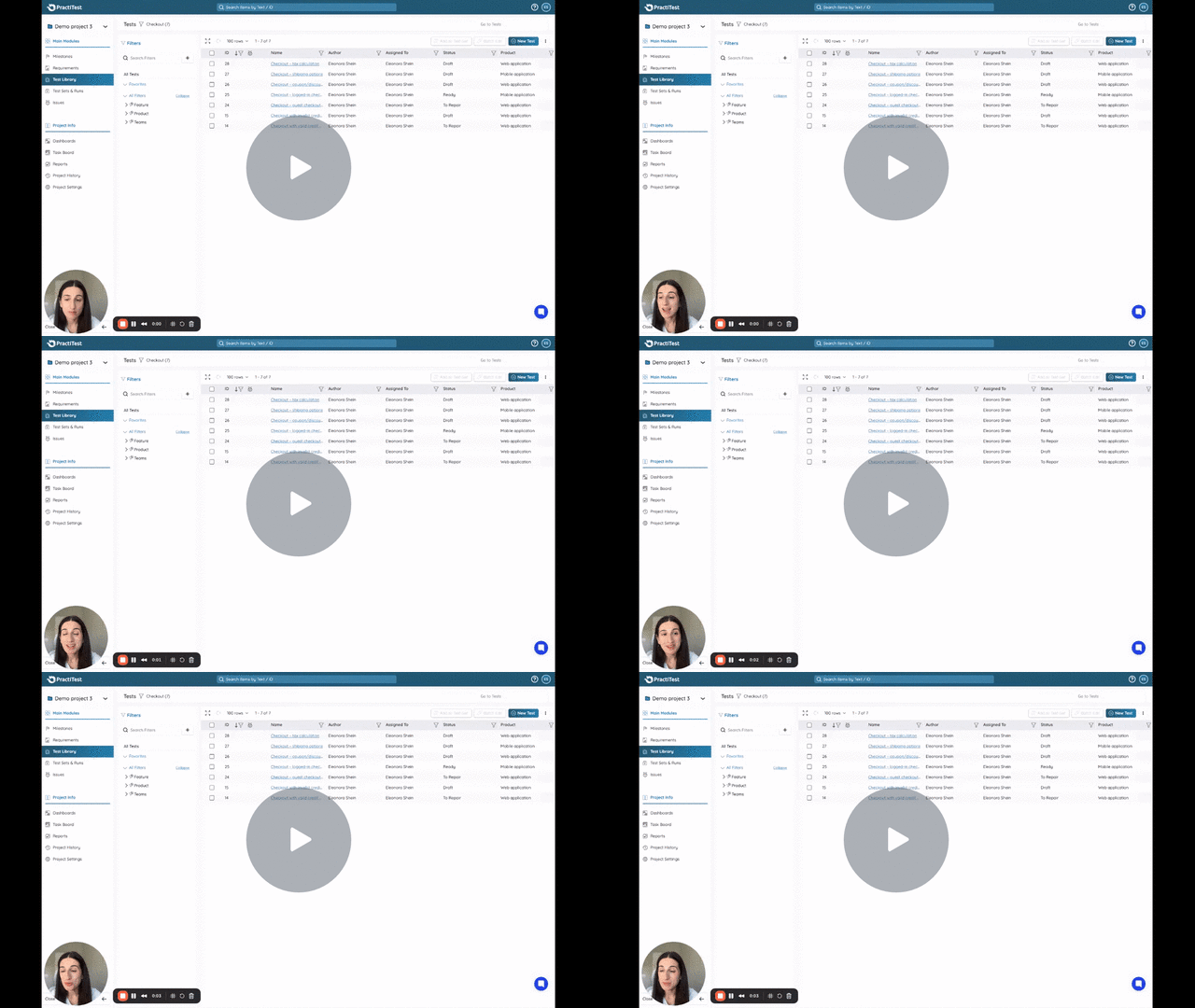
Why This Matters
Manual filter creation doesn’t scale. Advanced filters let your team navigate complex projects without spending hours organizing data. Create once, sync automatically, and focus on testing.