Digging through your filter list slows you down. Instead, pin your most-used filters as favorites for instant access, or search for filters by keyword when you need something quick.
How it works:
Favorite filters:
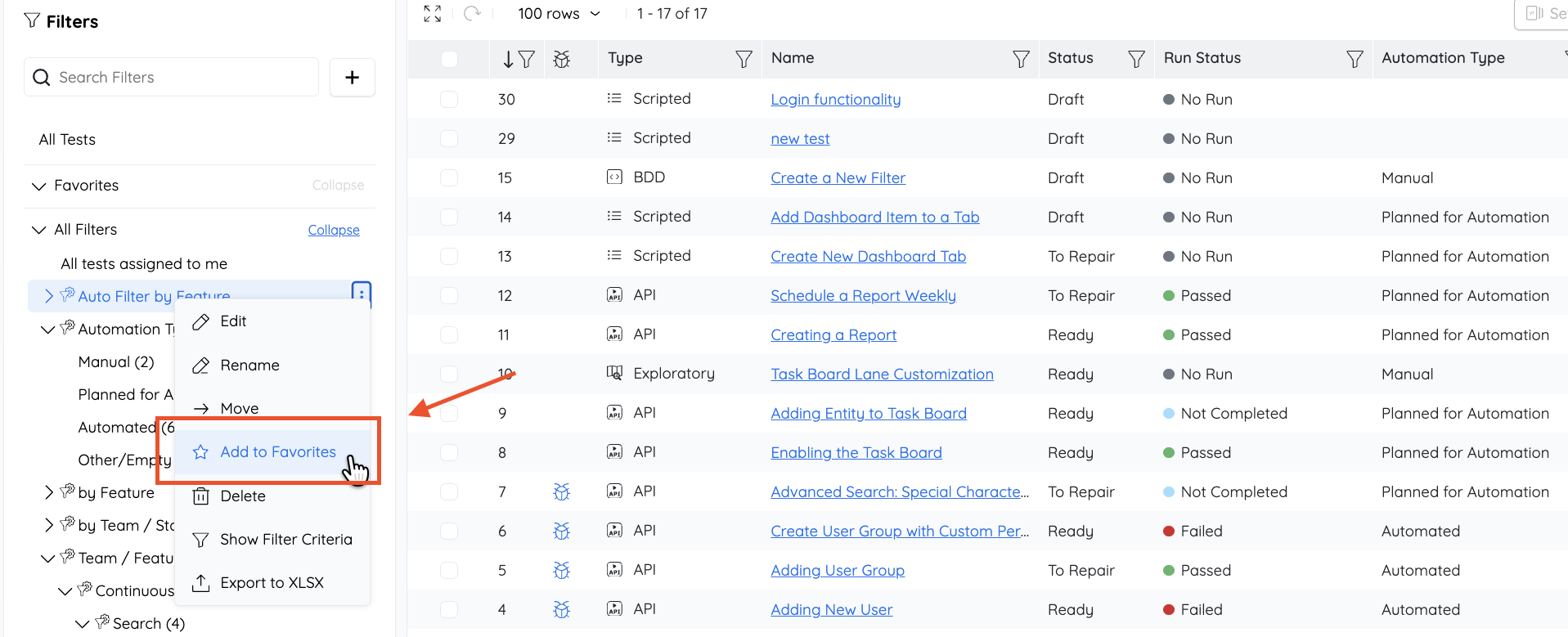
In the Test Sets & Runs module, find a filter you use regularly (like “Regression Tests” or “Mobile QA”). Click the three-dot button next to the filter name and select “Add to Favorites.” The filter moves to the top of your filter tree and stays there. You can pin up to 15 filters.
Search filters:
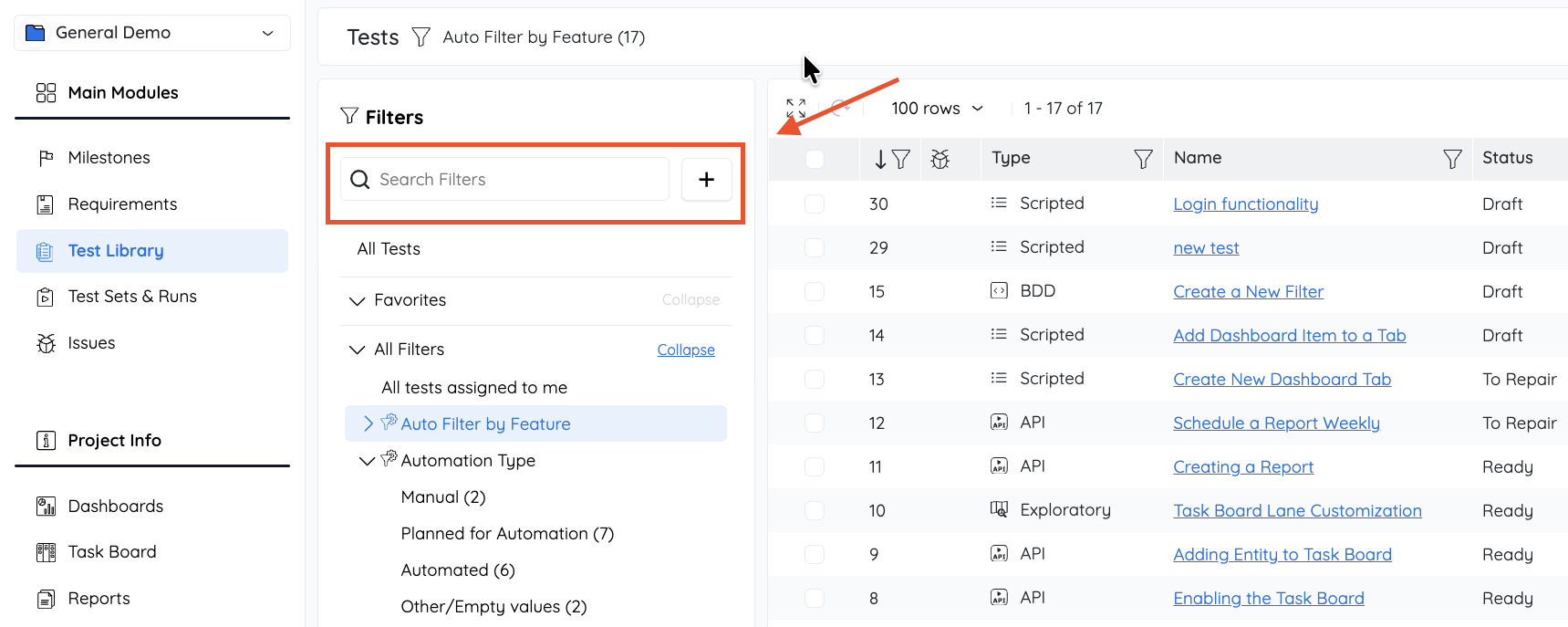
Don’t see a filter in your list? Use the search box to find it by keyword. Type “regression” and all filters with that word appear instantly.
Quick tip:
Use favorites for your daily go-to filters and search for the rest.
Do you use filters in your workflow? What filters do you find yourself going back to most often?